
How to Build a Functional E-Commerce App Using React Native and AI Prompts. Learn how to plan, design, and build a real mobile storefront with React Native, Expo, and AI-powered coding assistants—without getting overwhelmed by complex development workflows.
A few years ago, building an e-commerce mobile app usually meant spending weeks setting up navigation, designing screens, connecting APIs, and fixing bugs before you could even test a basic shopping experience.
Today, the process looks very different.
Modern AI tools can help generate layouts, navigation structures, reusable components, and even backend integration examples. What once took days can often be completed in hours—provided you know how to guide the AI effectively.
That’s where most beginners struggle.
Many people ask AI to “build an e-commerce app” and then wonder why the results are incomplete or unusable. The difference between helpful code and frustrating code often comes down to the quality of your prompts.
In this guide, I’ll walk through a practical approach to building a React Native e-commerce application using AI as a development assistant. You’ll learn how to structure prompts, generate useful components, create navigation flows, and assemble everything into a working mobile storefront.
Whether you’re a student, freelancer, startup founder, or developer looking to work faster, these techniques can save significant development time while helping you understand what’s happening behind the scenes.
Table of Contents
- Why AI Is Changing React Native Development
- Tools You’ll Need
- Planning Your E-Commerce App Before Writing Code
- How to Prompt AI to Write React Native Navigation
- Creating an E-Commerce Layout with AI
- Generating Reusable React Native Components
- Building Core Store Features
- A Real-World Example Project
- Common Mistakes When Using AI for Development
- Security and Performance Considerations
- Frequently Asked Questions
- Final Takeaway
Why AI Is Changing React Native Development
AI hasn’t eliminated the need for developers.
What it has done is remove a large amount of repetitive work.
Tasks such as creating navigation files, building reusable cards, writing API requests, and generating boilerplate screens can now be completed much faster than before.
For example, when starting a new React Native project, I often spend more time defining architecture decisions than writing the initial code. Once the structure is clear, AI can generate many of the repetitive pieces quickly.
This allows developers to focus on areas that matter most:
- User experience
- Business logic
- Performance
- Security
- Product decisions
The result is a faster development cycle without sacrificing quality.
Tools You’ll Need
You don’t need a massive tech stack to get started.
For most projects, the following tools are enough:
Development Environment
- React Native
- Expo
- Node.js
- Visual Studio Code
AI Assistance
- ChatGPT
- Claude
- GitHub Copilot
- Cursor
Optional Backend Services
- Firebase
- Supabase
- Appwrite
- Stripe for payments
If you’re building your first e-commerce application, start with Expo and a simple backend service. You can always migrate to a more advanced architecture later.
Planning Your E-Commerce App Before Writing Code
Before opening ChatGPT or writing your first component, spend time planning the application.
This step is often skipped, and it’s one of the biggest reasons projects become difficult to manage later.
Ask yourself:
What Should the User Be Able to Do?
A typical customer workflow includes:
- Browse products
- Search for items
- View product details
- Add items to a cart
- Complete checkout
- Track orders
What Should Administrators Be Able to Do?
Most stores also need:
- Product management
- Inventory updates
- Order tracking
- Customer management
Once these requirements are documented, AI becomes significantly more useful because you’re providing clear instructions rather than vague requests.
Think of AI as a skilled contractor. The better your blueprint, the better the final result.
How to Prompt AI to Write React Native Navigation
One of the most common tasks in any mobile application is setting up navigation.
This is also where many developers discover the value of precise prompting.
A vague request like:
Create navigation for my app.
usually produces generic results.
A detailed request produces code that is much closer to production-ready.
Example Prompt
Act as a senior React Native developer.

Create navigation for a React Native Expo e-commerce application using React Navigation v7.

Requirements:
- Bottom tab navigation
- Home screen
- Categories screen
- Cart screen
- Profile screen
- Product Details stack screen
- TypeScript support
- Recommended folder structure

Provide complete code and explain each file.
Notice what’s happening here.
The prompt defines:
- Framework
- Navigation package
- Screen structure
- Programming language
- Expected output
That additional context dramatically improves the generated code.
Creating an E-Commerce Layout with AI
Designing mobile interfaces can be surprisingly time-consuming, especially if you’re not a designer.
This is where targeted prompts become useful.
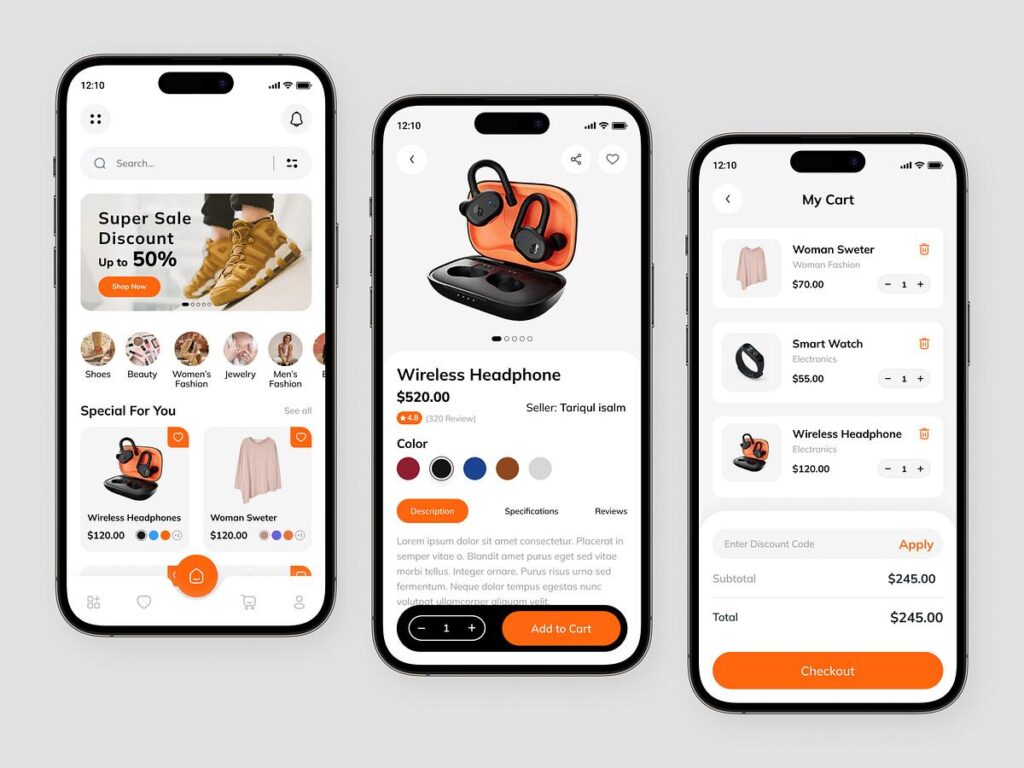
Instead of asking AI to “design a shopping app,” describe exactly what users should see on the screen.
Example Layout Prompt
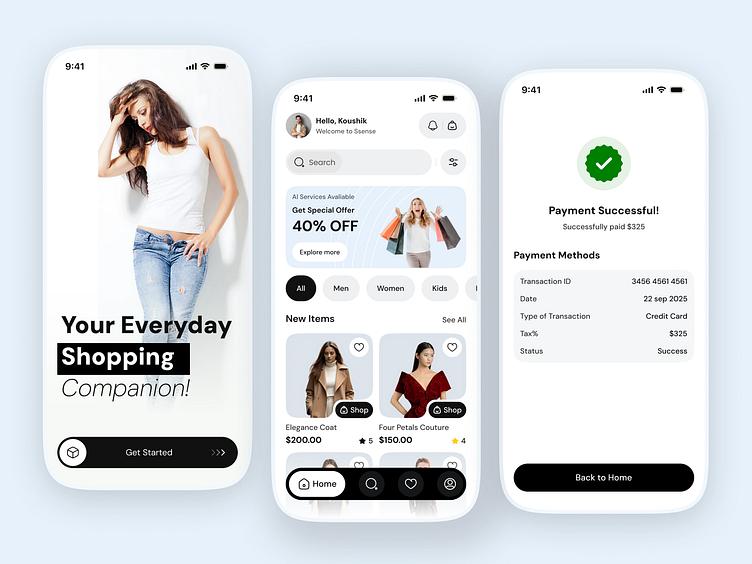
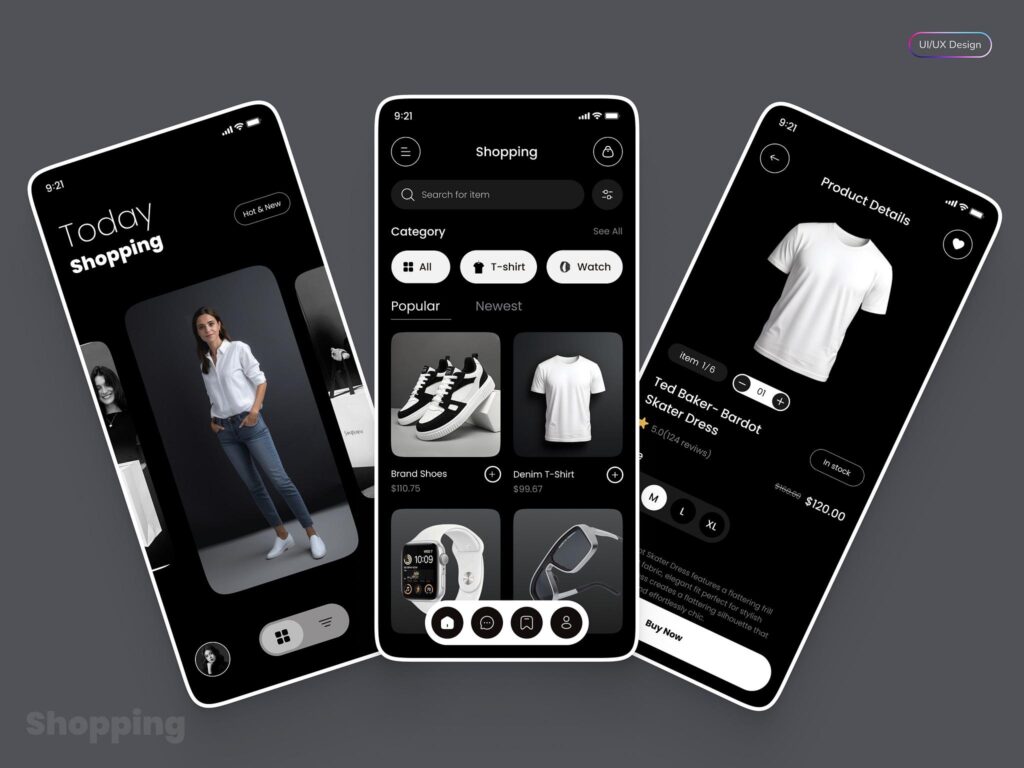
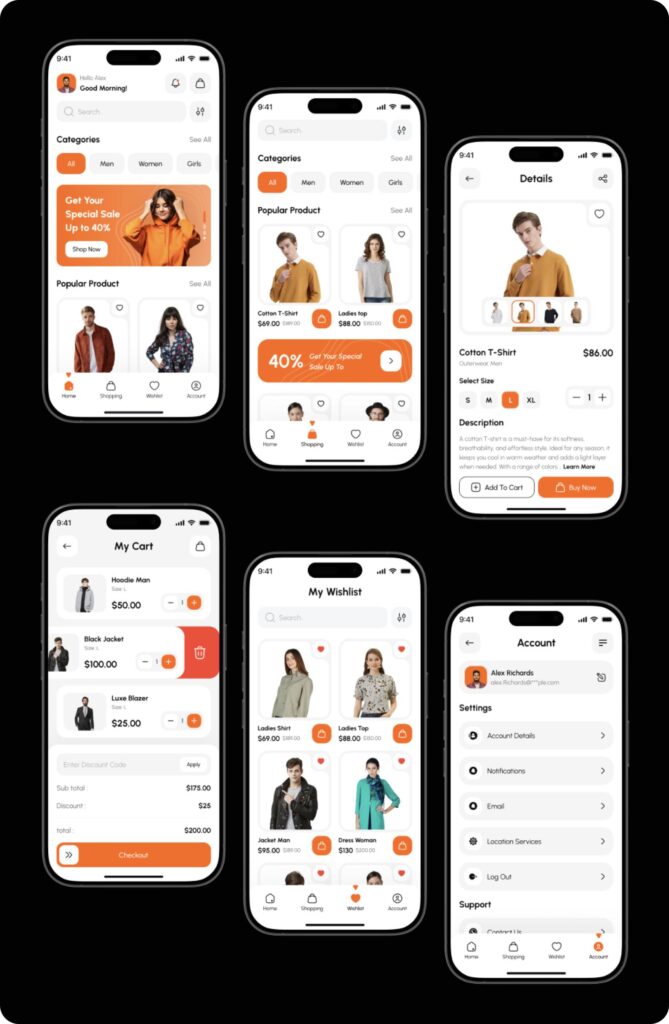
Create a modern React Native Expo home screen for an online clothing store.

Include:
- Search bar
- Promotional banner
- Category section
- Featured products grid
- Bottom navigation
- Responsive styling

Use clean spacing and modern design principles.
The result is often a strong starting point that can be customized later.
Real Example
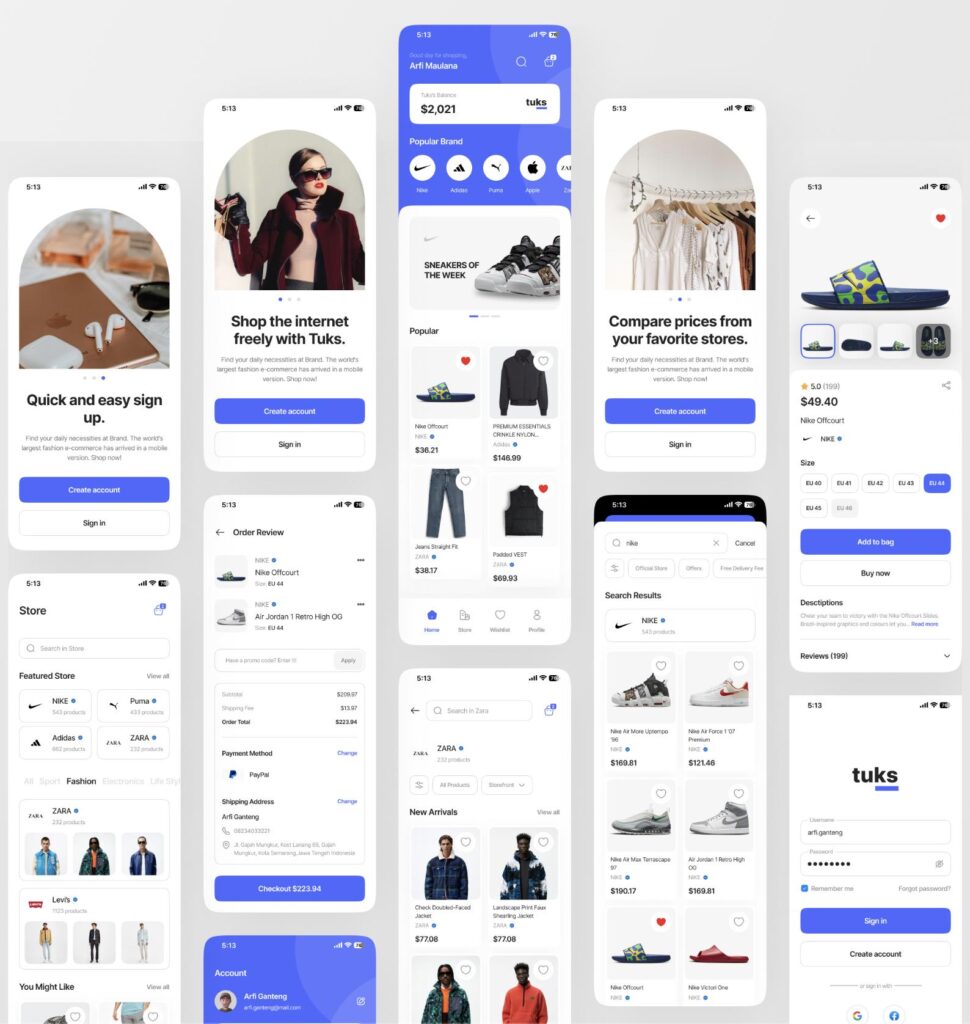
While building a prototype fashion store, I used a prompt similar to the one above to generate an initial homepage layout.
The generated structure wasn’t perfect, but it eliminated several hours of manual setup and provided a foundation that was easy to refine.
That’s often the best use of AI in development—not generating the final product, but accelerating the first 70–80% of the work.
Generating Reusable Components
As your application grows, reusable components become increasingly important.
Creating them early keeps your code organized and easier to maintain.
A good example is a product card.
Rather than creating separate versions for every screen, generate a single reusable component.
Product Card Prompt
Create a reusable React Native Expo product card component.

Props:
- image
- title
- price
- rating
- onPress

Requirements:
- TypeScript
- Responsive design
- Clean modern UI
- Optimized rendering
Using prompts like this helps establish consistency throughout the application while reducing duplicate code.
Case Study: Building a Small Clothing Store App in One Weekend
A few months ago, I experimented with building a simple clothing store app using React Native Expo and AI-generated code. The goal wasn’t to create the next Amazon. Instead, I wanted to see how quickly a functional prototype could be developed.
The project included:
- Product listing screen
- Product details page
- Shopping cart
- User authentication
- Mock checkout flow
Rather than writing every component manually, I used AI prompts to generate navigation, UI layouts, and reusable product cards.
The surprising part wasn’t the speed of development. It was how much time was saved on repetitive tasks such as:
- Navigation setup
- Screen boilerplate
- TypeScript interfaces
- API service structures
The entire prototype was completed in less than two days and provided a solid foundation for future development.
Lesson Learned
AI can dramatically accelerate development, but reviewing generated code remains essential. Treat AI as a skilled assistant rather than an autopilot.
Recommended Project Folder Structure
As applications grow, organization becomes increasingly important.
A practical React Native Expo folder structure might look like this:
src/
├── components/
│   ├── ProductCard.tsx
│   ├── SearchBar.tsx
│   └── Banner.tsx
│
├── screens/
│   ├── HomeScreen.tsx
│   ├── ProductScreen.tsx
│   ├── CartScreen.tsx
│   └── ProfileScreen.tsx
│
├── navigation/
│   ├── AppNavigator.tsx
│   └── BottomTabs.tsx
│
├── services/
│   ├── api.ts
│   └── auth.ts
│
├── context/
│   └── CartContext.tsx
│
├── hooks/
│
└── assets/
This structure keeps code maintainable and easier to scale.
10 AI Prompts Every React Native Developer Should Save
1. Generate Product Card
Create a reusable React Native Expo product card component with image, title, rating, price, and add-to-cart button.
2. Create Navigation
Generate React Navigation setup for an Expo e-commerce application using TypeScript and bottom tabs.
3. Build API Service
Create an Axios service layer for React Native Expo with reusable API functions.
4. Shopping Cart Context
Generate a Cart Context API with add, remove, update quantity, and total price calculation.
5. Search Functionality
Build product search functionality with debounce and FlatList filtering.
6. Authentication
Create Firebase email/password authentication using React Native Expo.
7. Product Details Screen
Generate a responsive product details page with image gallery and add-to-cart functionality.
8. Order History
Create an order history screen using dummy JSON data and modern UI design.
9. Dark Mode
Add dark mode support using React Native Context API.
10. Performance Optimization
Review this React Native component and suggest performance improvements using memoization and optimized rendering.
Common Challenges and How to Solve Them
Challenge: AI Generates Broken Code
Solution:
- Mention package versions.
- Specify Expo or React Native CLI.
- Request complete code instead of partial snippets.
Challenge: Components Don’t Match
Solution:
Generate components one at a time and maintain a shared design system.
Challenge: Navigation Errors
Solution:
Always tell AI which navigation package version you’re using.
Example:
Use React Navigation v7 with Expo SDK 54.
Security Tips for E-Commerce Apps
Even small apps should follow basic security practices.
Never Store
- User passwords
- Payment card information
- API secrets
Inside the mobile application.
Instead:
- Use Firebase Authentication
- Store secrets on servers
- Use HTTPS connections
- Validate API requests
Security should be part of the project from day one.
Author’s Perspective
After experimenting with AI-assisted development, one thing becomes clear: developers who learn effective prompting gain a significant advantage.
The future isn’t about AI replacing developers. It’s about developers using AI to remove repetitive work so they can focus on solving real business problems.
A developer who understands architecture, user experience, and prompting will often move much faster than someone relying solely on traditional coding methods.
Quick Checklist Before Launching Your E-Commerce App
✓ Navigation works correctly
✓ Product data loads properly
✓ Cart calculations are accurate
✓ Authentication functions correctly
✓ Responsive design tested
✓ Performance optimized
✓ Security practices implemented
✓ Error handling added
✓ Real-device testing completed
✓ App store requirements reviewed
Completing this checklist helps ensure a smoother user experience and reduces issues after launch.
How to Fix the “secretOrPrivateKey Must Have a Value” Error in JWT (jsonwebtoken)
Top 50 React Native Interview Questions & Answers (2026 Edition Part 1) – knowabteverything
Why Is My FlatList Not Updating When State Changes? 4 Fast Solutions – knowabteverything
Read about React Native React Native · Learn once, write anywhere

About Amish
Hi, I’m Amish, and developer.
I write practical React Native, Node.js, MongoDB, and Supabase tutorials based on real projects and testing.
[…] Read about How to Build a Functional E-Commerce App Using React Native and AI Prompts […]
[…] How to Build a Functional E-Commerce App Using React Native and AI Prompts […]